Your Onboarding Calendar & Checklist
Congratulations, new Knight! We’re excited to welcome you to our community. The checklist below outlines the steps you need to complete before starting your first semester at Arcadia, including onboarding tasks, important forms, and orientation information.
Once your student account is activated, you can log in to MyKnight Portal to track your progress, view completed items, and find your admissions counselor’s contact information who can assist with answering any questions.
Students and families are also encouraged to subscribe to our Onboarding Calendar to receive reminders about upcoming deadlines and important dates. Prefer a printable version? Our downloadable Next Steps Checklist & Important Dates guide makes it easy to stay organized as you prepare for your first semester at Arcadia.
January - May
1. Access Your Arcadia Email via PortalGuard — Due: Immediately After Deposit
*This step must be completed before all other steps.* Check the email you used when you applied for admission for your login credentials and follow these instructions to activate Arcadia’s single sign on site, PortalGuard. Once activated, PortalGuard will allow you to access your Arcadia email and other activities required during onboarding. Please contact [email protected] if you have issues.
2. Apply for Housing — Priority Deadline: May 15 (for first-year students)
Submit your Housing Application (if you plan to live on campus). Click the MCR Housing tile in your PortalGuard account. New first-year students will receive their housing assignments via their Arcadia email the week of June 8th. Students who submit the housing application after the priority application deadline of May 15 will be notified of their placement on a rolling basis starting July 1. Housing placements for students who apply after the priority deadline will be dependent upon available space.
3. Prepare for Course Registration — Due: June 1
Complete First-Year Pre-Registration course in Canvas (placement exams). Click the Canvas tile in your PortalGuard account. This course contains information needed to register for your courses, including placement exams and other forms. Please review the course to better understand the time needed to complete each section. The course can be completed in multiple sessions. Visit the Placement Exams page for instructions on where to find and how to complete your exams.
Transferring from a 2- or 4-year institution? You will be contacted if placement exams are needed.
4. Register for a Summer Welcome Day (Orientation) — Due: One Week Prior to Event Date
Register for a Summer Welcome Day! Arcadia University requires all incoming students to attend this orientation experience, designed to help you prepare for the semester ahead, connect with classmates, and learn more about campus life and resources. Summer Welcome Day dates for 2026 are as follows: June 26, June 29, July 9, July 11, July 15 and July 16. Students who live 250 miles or more from campus may attend an in-person or virtual. Information for the virtual option will be sent via email. Click here to view all dates and register for a Summer Welcome Day.
May - July
1. Schedule Your Advising Appointment — Due: July 1
A link to schedule your advising appointment has been shared via email. Check MyKnight Portal or reach out to your Admissions Counselor if you need help locating the link. During this appointment, you'll connect one-on-one with an academic advisor to start building a course plan for your first semester.
2. Prepare for Your Bill — Posted: After June 1 | Due: August 10
Review your financial aid offer and required forms in the Financial Aid Portal. Use your Self Service tile in PortalGuard to view your bill and add an authorized payer (if applicable) From Self Service, click on ‘Finances’ and then ‘EBILL/EPAY. By August 10, you should have a plan in place to pay your bill. Review your financing options at arcadia.edu/financing or reach out to [email protected].
3. Submit Your KnightCard Photo — Due: By Your Summer Welcome Day (Orientation)
Your KnightCard is your student identification. Use the GET tile in PortalGuard to submit your photo for your KnightCard. You also have the option to take your KnightCard photo in-person at your Summer Welcome Day.
For more information, visit the KnightCard Services page.
4. Submit Required Health Forms — Due: July 1
Use your Patient Portal tile in PortalGuard to upload your health information and immunization documentation. Physical examinations completed after August 2025 are acceptable.
July - August
1. Upload Proof of Health Insurance — Due: August 1
Please note: this is not available until Mid-July. Upload a copy of your insurance card to the Patient Portal tile in PortalGuard. Additionally, you will need to either enroll in or waive the University health insurance. Visit arcadia.edu/insurancewaiver and follow the instructions there.
2. Update Emergency Contact Information and Enroll in OnSolve (Emergency Notification System)
Use your Contact Info tile in PortalGuard to sign up for OnSolve (formerly Send Word Now).
Arcadia University uses OnSolve (formerly Send Word Now) as its emergency notification system for urgent alerts like weather or safety threats, sending texts, emails, and voicemails to students, faculty, and staff who register through the PortalGuard login page, where you can update your contact info and add family members to receive alerts for a comprehensive campus alert system. For more info, visit the Emergency Communications page.
3. Submit Your Final Transcript — Due: August 15
Transcripts should be sent directly from your school.
4. Submit Official Scores from AP, IB or Dual Enrollment — Due: August 15
If you have taken AP or IB exams, you can request scores to be sent directly from the testing agency. If you completed dual enrollment courses, request a transcript from the college. For more details, visit MyKnight Portal.
Important Dates
- Summer Welcome Days (Orientation) – June 26, June 29, July 9, July 11, July 15, July 26
- Move-In – August 26
- Fall Welcome Week – August 26-30
- First Day of Classes & Welcome Back Bash – August 31
- Activities & Resources Fair and Rock The Knight Food Truck Festival – September 10
- Homecoming & Family Weekend – October 2-4
Meet Your Student Experience Leaders
Student Experience Leaders (SELs) are current Arcadia University students who help make your transition smoother by sharing their knowledge and experience.
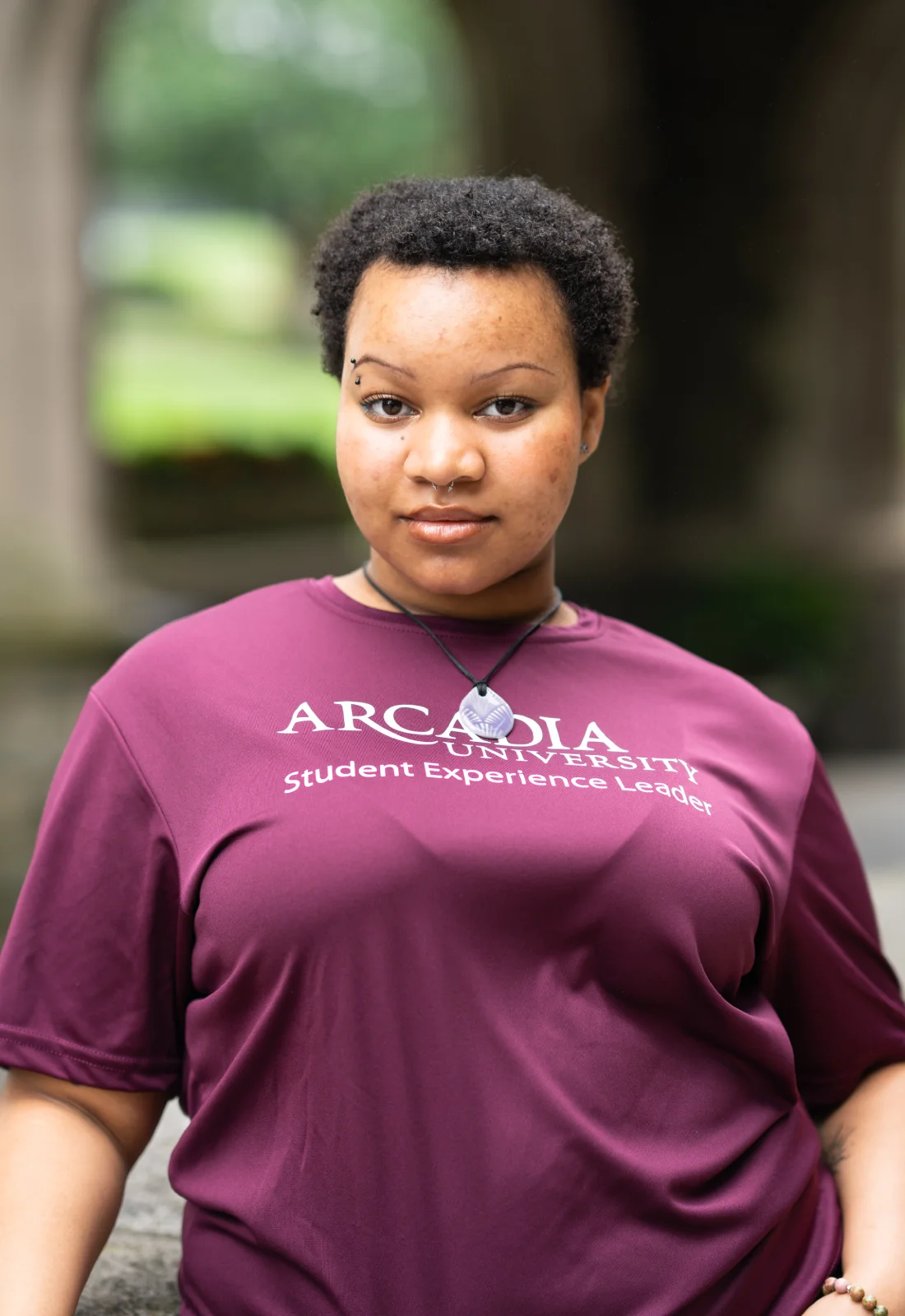
Morgan Coates
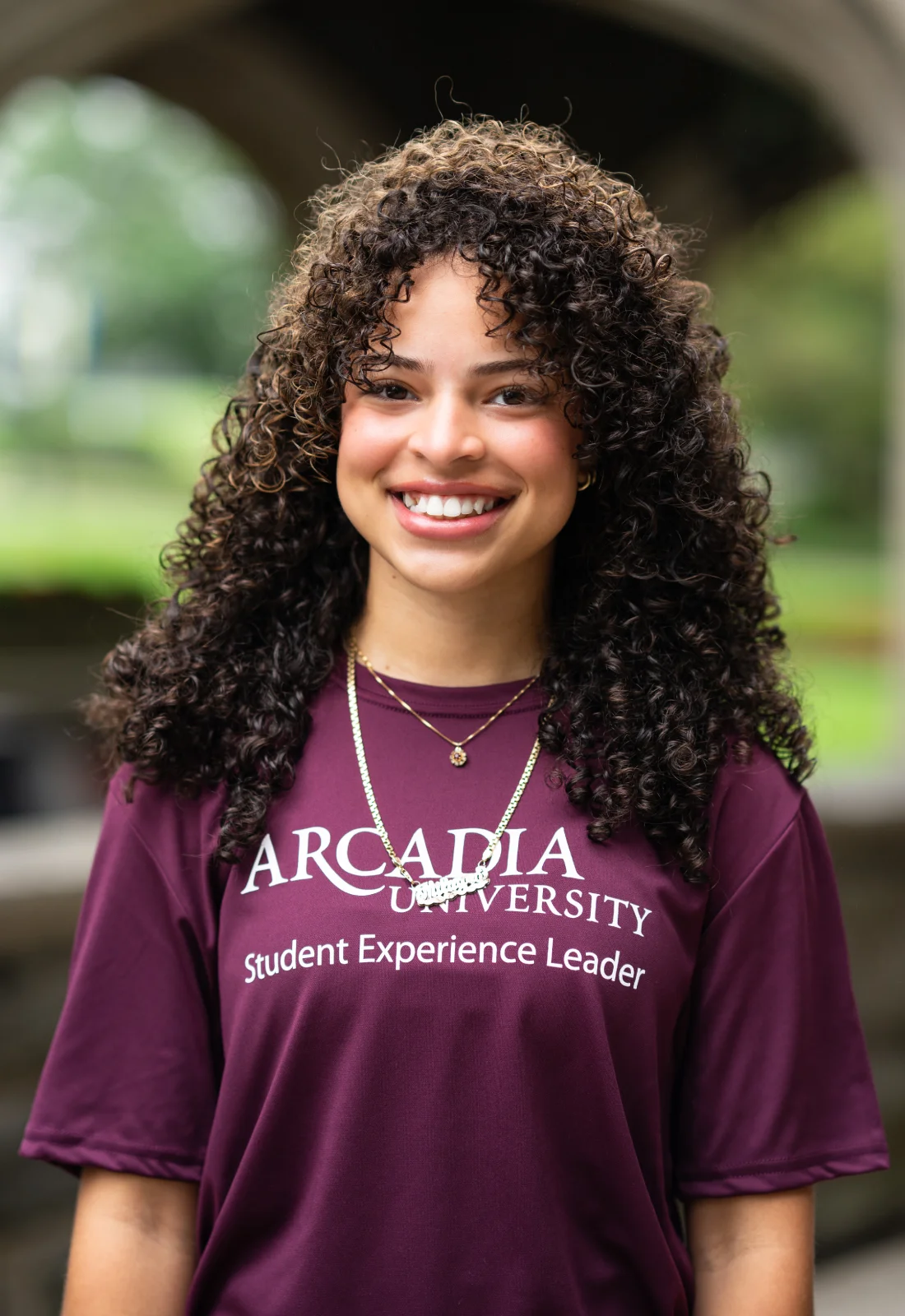
Milagro Duran

Jamerika Grandberry

Alexia Habib

Maze Herbst

Darius Isaac

Ven Mubarak

Kayla Raab

Miranda Razzi

Darline Sanon